.svg)
Editor Action Items: Overview
The tools in Editor Action Items category support instructors and designers as they create and edit Canvas content. These elements are only visible to those working in the page editor and not shown to learners.
Editor Action Items Tools
Shown below are all the Editor Action Item tools available to Sidebar users.
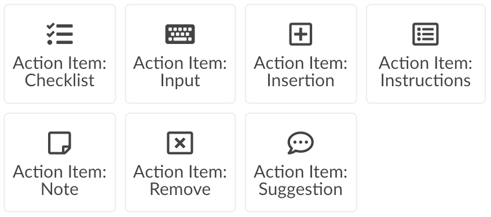
To learn more about each individual tool, visit:
Want to learn about other DesignPLUS Sidebar tools?
Check out the different categories of DesignPLUS elements below:
- DesignPLUS Sidebar Tools: Navigation
- DesignPLUS Sidebar Tools: Page Layout
- DesignPLUS Sidebar Tools: Interactive Elements
- DesignPLUS Sidebar Tools: Visual Enhancements
- DesignPLUS Sidebar Tools: Themed Elements
- DesignPLUS Sidebar Tools: Custom Content
- DesignPLUS Sidebar Tools: Page Information
- DesignPLUS Sidebar Tools: Course Information
- DesignPLUS Sidebar Tools: Media